
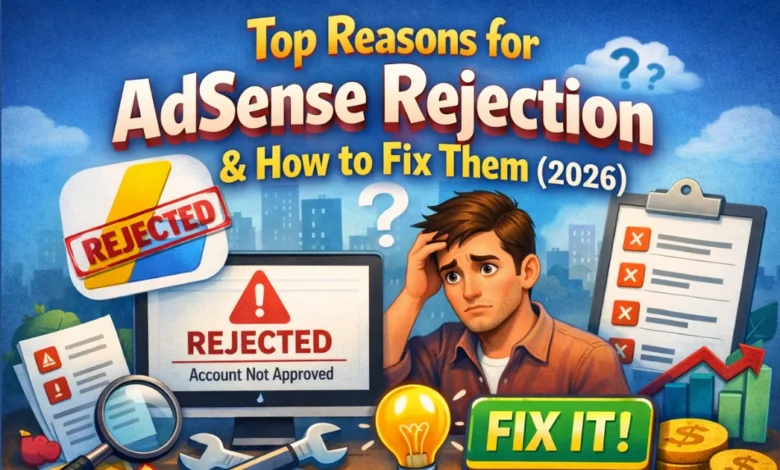
Getting rejected by Google AdSense can be frustrating, especially after putting time and effort into building a website. The good news is that most AdSense rejections are fixable if you understand the reasons behind them and take the right steps.
In this article, we’ll cover the top reasons for AdSense rejection and explain how to fix them properly so you can reapply with confidence.
1. Low-Quality or Thin Content
Why AdSense Rejects It
Google wants to show ads on websites that provide real value to users. If your site has short, copied, AI-generated-without-editing, or poorly written content, AdSense may reject your application.
How to Fix It
- Write original, in-depth articles (800–1500+ words)
- Focus on user intent, not just keywords
- Avoid copied or spun content
- Add images, headings, and examples
- Update old or weak posts
SEO Tip: Use keywords like AdSense approval tips, AdSense rejection reasons, and how to get AdSense approval naturally in your content.
2. Insufficient Content on Website
Why AdSense Rejects It
If your website has only a few posts or pages, Google may think it’s incomplete or not ready for ads.
How to Fix It
Before applying:
- Publish at least 15–30 high-quality articles
- Add important pages like:
- About Us
- Contact Us
- Privacy Policy
- Terms & Conditions
These pages increase trust and transparency, which Google values highly.
3. Missing or Weak Privacy Policy Page
Why AdSense Rejects It
AdSense requires a Privacy Policy to explain how user data and cookies are handled, especially for ads.
How to Fix It
- Create a clear Privacy Policy page
- Mention:
- Google AdSense cookies
- Third-party advertisers
- User data protection
This is one of the most common AdSense rejection reasons, yet also the easiest to fix.
4. Website Navigation and Poor User Experience
Why AdSense Rejects It
If your website is hard to navigate, slow, or confusing, Google sees it as a bad user experience.
How to Fix It
- Use a clean and responsive theme
- Make menus clear and simple
- Ensure your site works well on mobile devices
- Improve page loading speed
- Avoid too many popups or broken links
A user-friendly site improves both SEO and AdSense approval chances.
5. Copyrighted or Restricted Content
Why AdSense Rejects It
Google does not allow ads on sites with:
- Pirated content
- Copyrighted images or videos without permission
- Adult, violent, or illegal content
How to Fix It
- Use royalty-free images (Pexels, Pixabay, Unsplash)
- Write content in your own words
- Avoid restricted niches unless fully compliant with AdSense policies
Always follow Google AdSense Program Policies carefully.
6. Lack of Organic Traffic
Why AdSense Rejects It
While AdSense doesn’t require huge traffic, zero or fake traffic can raise red flags.
How to Fix It
- Focus on SEO optimization
- Share posts on social media naturally
- Use Google Search Console
- Avoid paid or bot traffic
Even 10–50 organic visitors per day can be enough if the site quality is good.
7. Domain Age or Newly Launched Website
Why AdSense Rejects It
In some regions, very new websites are often rejected because Google wants to see consistency.
How to Fix It
- Wait 2–4 months after launching
- Publish content regularly
- Build basic backlinks
- Keep improving site quality before reapplying
Patience plays a big role in successful AdSense approval.
8. Previously Rejected Without Fixing Issues
Why AdSense Rejects It
Reapplying without fixing the original issues almost guarantees another rejection.
How to Fix It
- Read the rejection email carefully
- Identify the exact issue
- Fix it properly
- Reapply only when your site fully complies
Quality improvement is more important than quick reapplication.
Final Tips to Avoid AdSense Rejection
- Follow Google Webmaster Guidelines
- Focus on value-driven content
- Build trust with proper pages
- Avoid shortcuts and policy violations
- Think like a user, not just a publisher